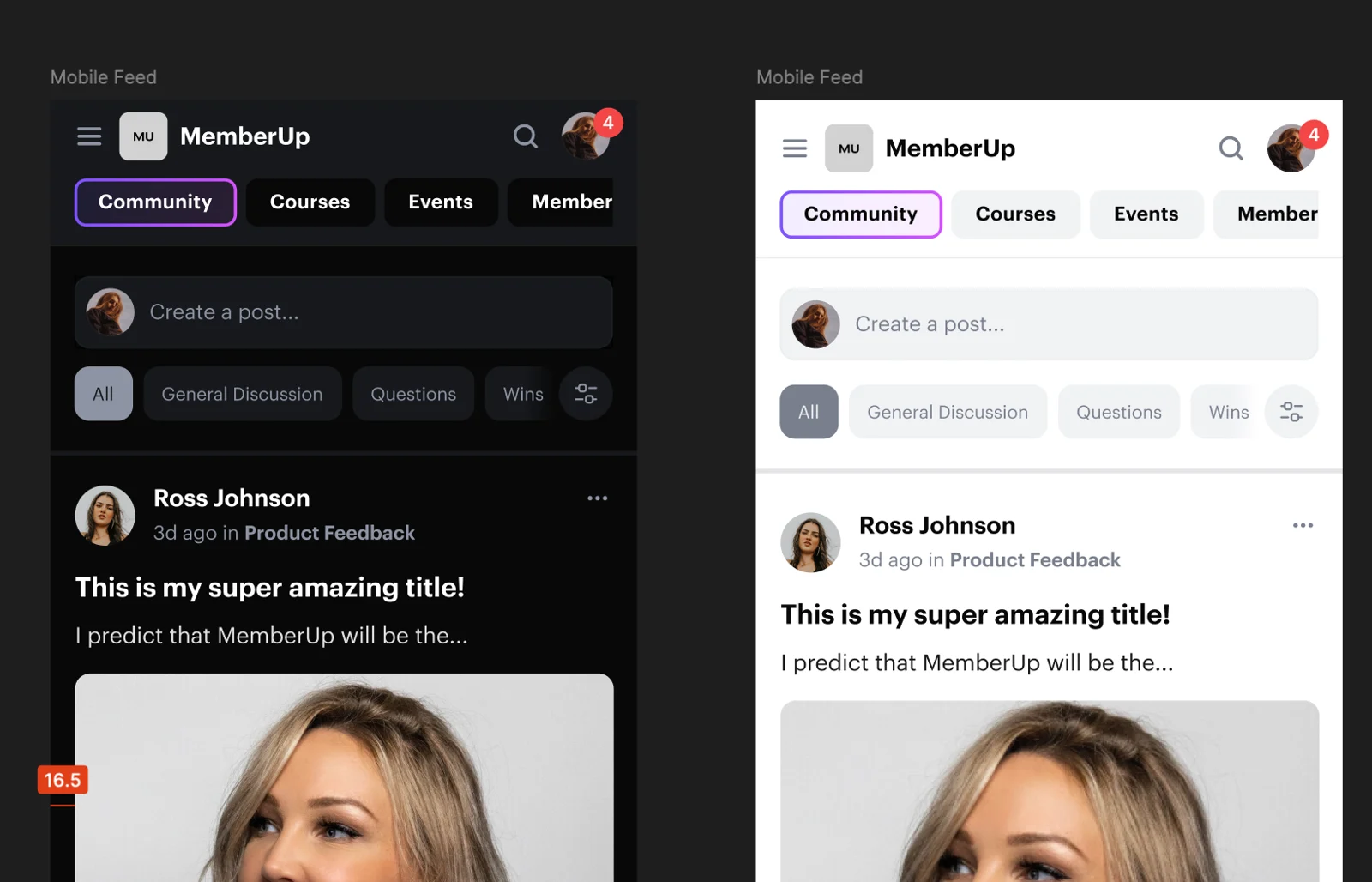
👋 Welcome to the Next Chapter of MemberUp - Start Here
We just want to say a big welcome, and an even bigger thank you.
You’re not just logging into a new version… you’re now a part of the MemberUp family... helping shape where this platform goes next.
When we first started building MemberUp, we wanted to build the space we wished existed. A place where creators, brands, and educators could bring everything together in one beautiful place: your courses, your community, payments, events, and chat… without the chaos of five different logins and duct-taped integrations.
V2 is the next step toward that vision… but really, it’s the start of something much bigger.

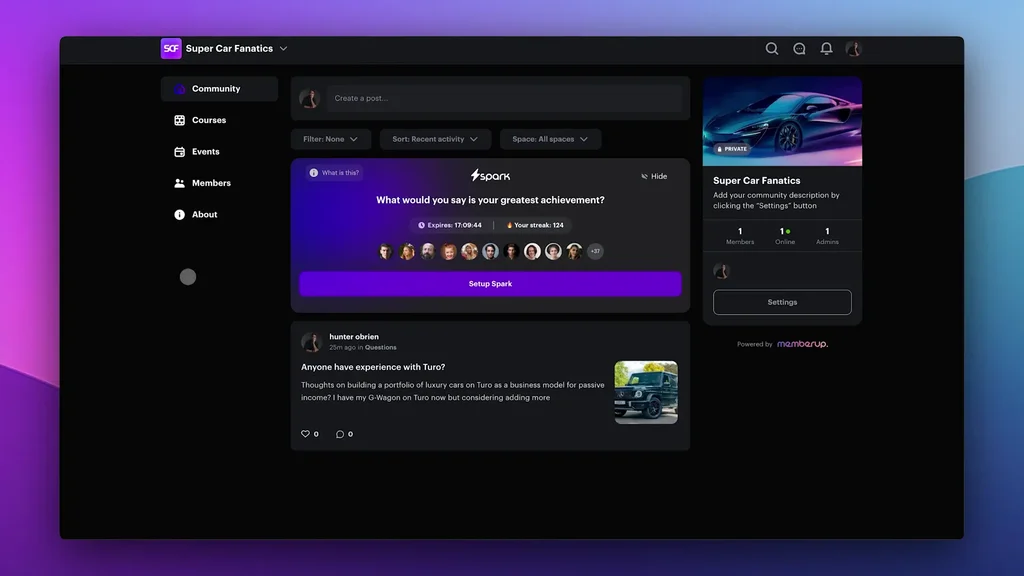


Support with selling on social media
Hey @Everyone! Wanted to share something with you today... a podcast I recorded recently that I think will really support you if you have an offer that isn't selling the way it should, and you feel like you're doing all the right things but know something's off.
🎧 LISTEN ON SPOTIFY
🎧 LISTEN ON APPLE
In this episode, I break down how I had two clients in the exact same niche with the same skill set - one is making over $60K a month with just 3,000 followers, and the other has sporadic sales. The difference wasn't their offer or their sales system- it was their messaging and positioning.
I know some of you might be in that same boat, which is exactly why I wanted to share this today. Give it a listen and let me know if it helps 🙂


New Feature - External Video Links 🔗
@Everyone we've just enabled the ability to post external video links (like Loom or YouTube videos) to the feed.
Check out the attached loom video below to see it in action.
Happy sharing 🙂
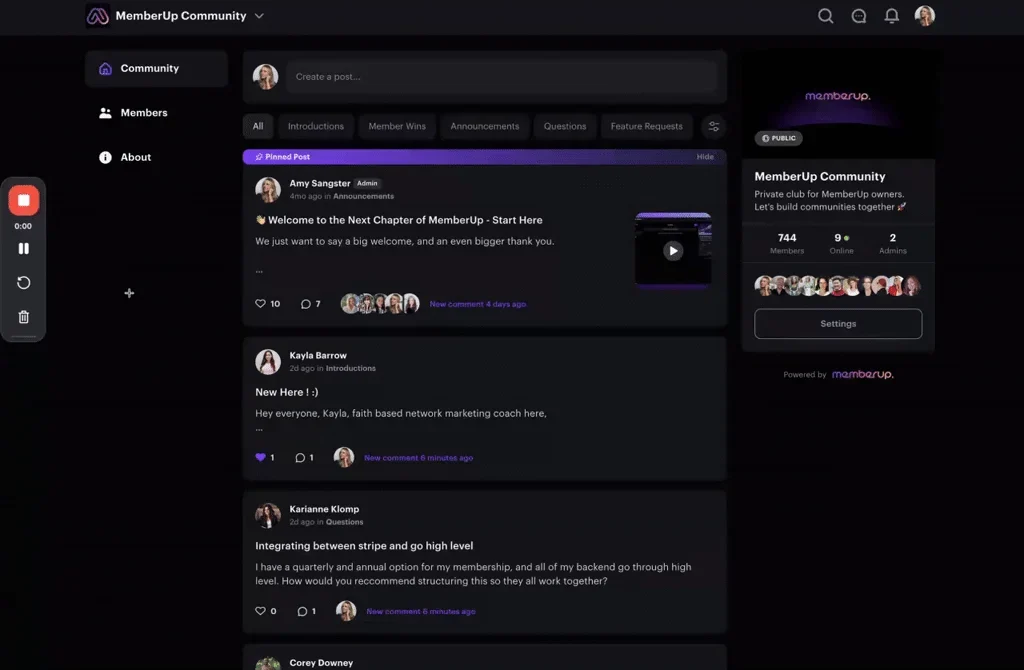


Say hello to recurring events 👋
@Everyone The meetings that happen every Monday. The live sessions that come around each month. The routines that shape your community. Now, they all happen automatically 🙂
Just add an event, check recurring events, fill in the details, and you're set. No more adding the same event over and over.
Simple. Automatic. Done.

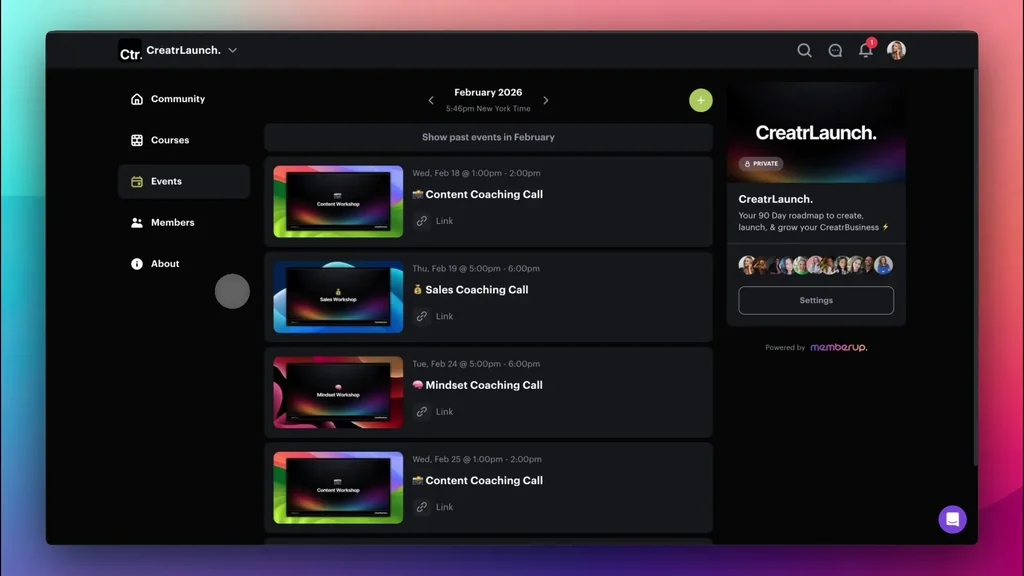


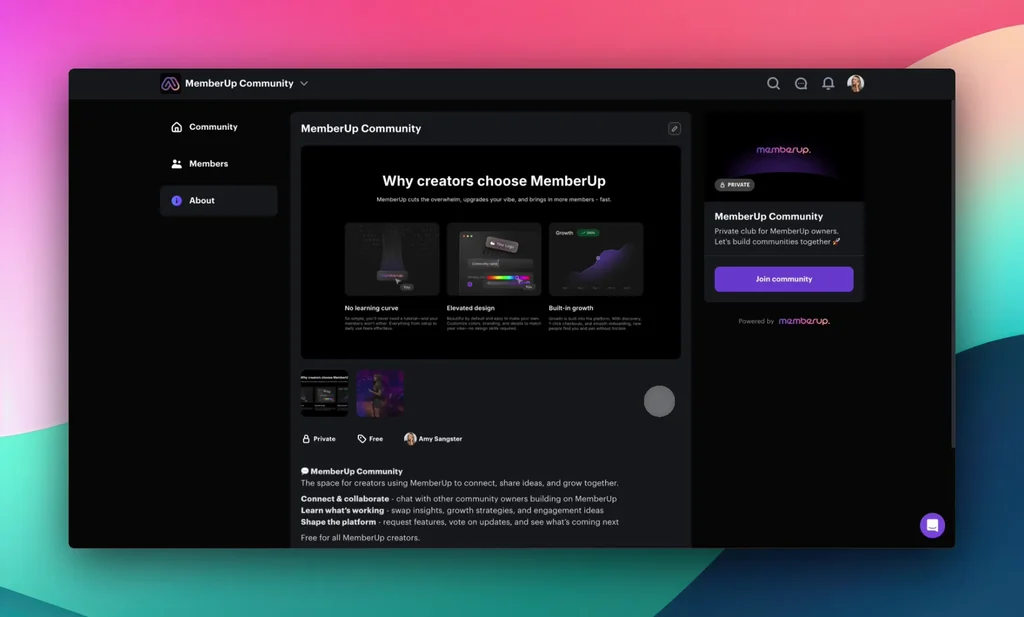
New Feature Release - About Page Thumbnails
@Everyone sharing a small but helpful new feature with you 🙂



Update: It Just Got Easier To Give Free Access To A Paid Community 🙂
@Everyone We just shipped a new update based on your feedback.
It's now much easier to invite someone into your community for free, even if you have public pricing turned on.
Before, if you had paid plans set up, everyone had to go through checkout and membership questions. Now you can bypass all of that with one simple link.
Here is how it works 👇

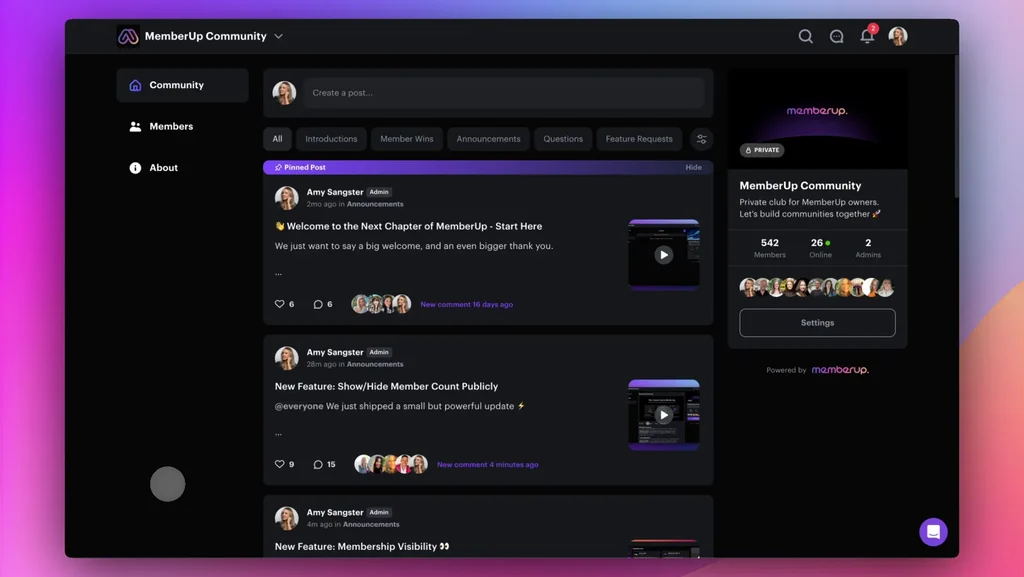


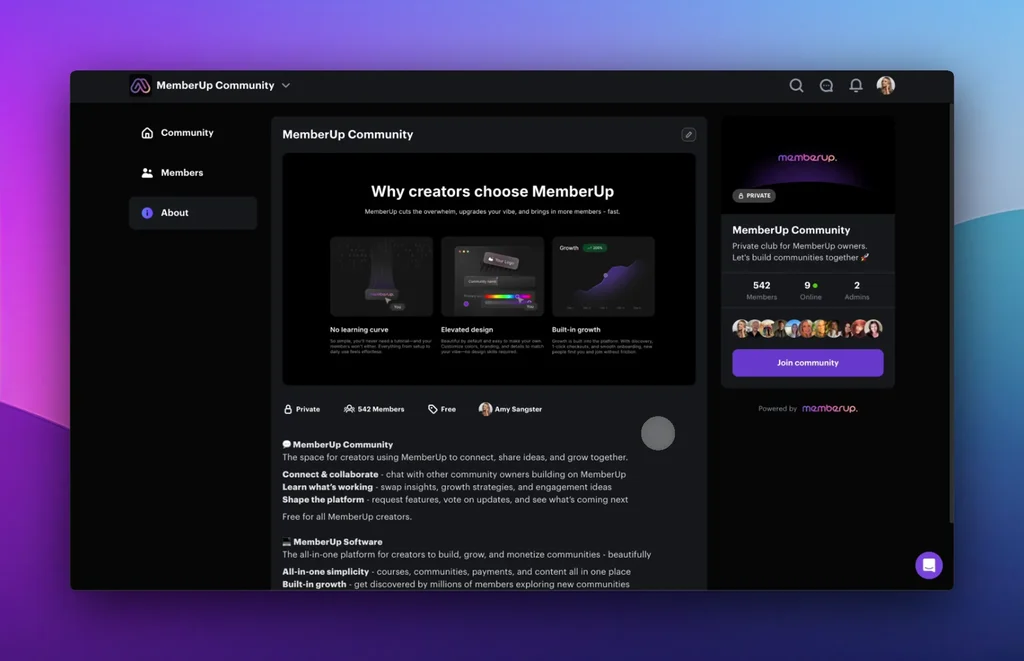
New Feature: Show/Hide Member Count Publicly
@Everyone We just shipped a small but powerful update ⚡️
You now have full control over whether your community member count is shown publicly.
Until now, your About page displayed the member count in two places. Some of you loved that for social proof. Others wanted more privacy while building quietly.
Now you get to choose.



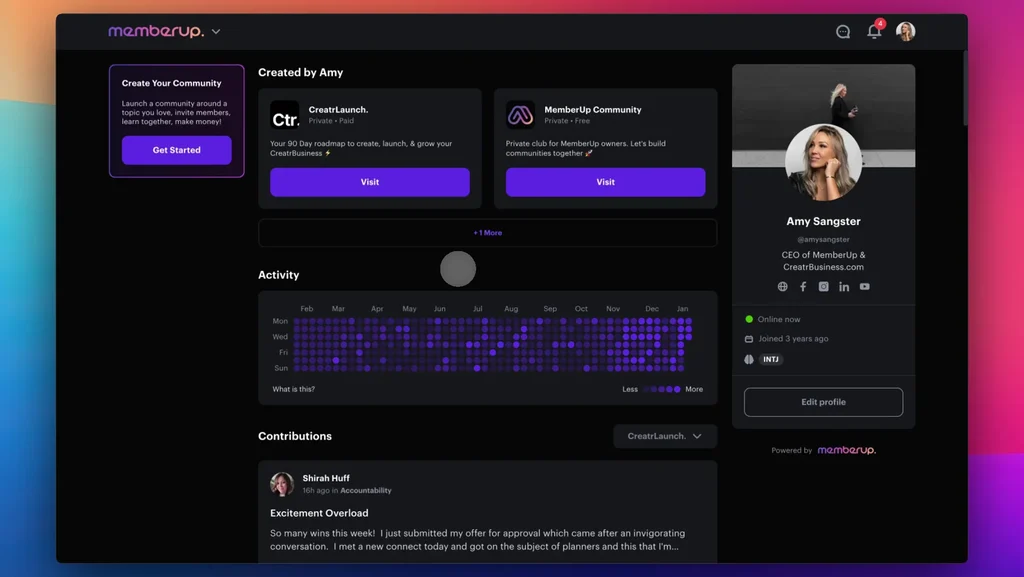
New Feature: Membership Visibility 👀
@Everyone We just shipped another privacy and flexibility update 🥳
You now control which communities show on your public profile.
Before this update, every community you created or joined automatically appeared on your profile. Some of you want that visibility. Others prefer to keep certain projects quiet. Now you decide.
The video below shows you how to toggle visibility on or off in 2 seconds!

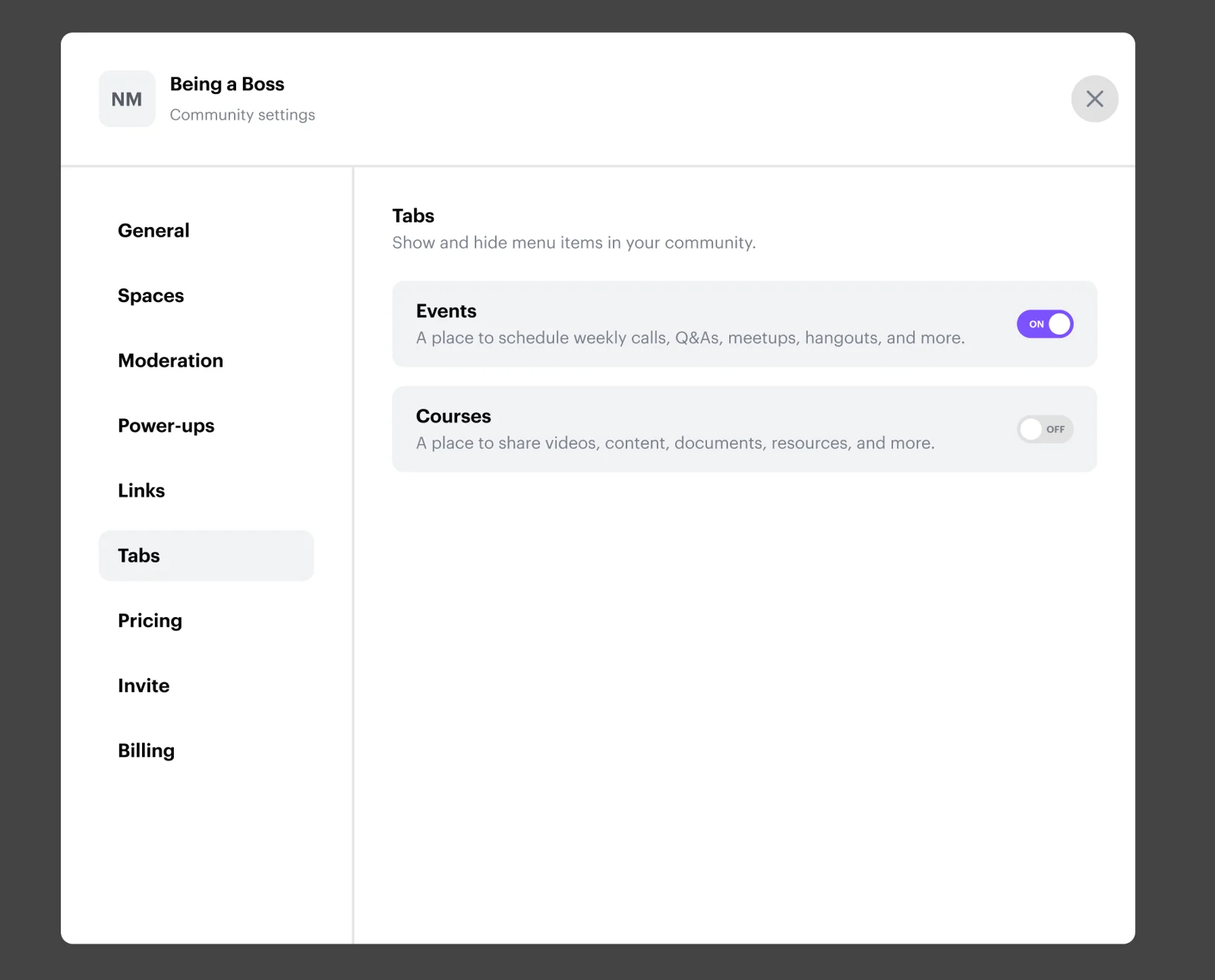
New Feature - Tabs 👀
@Everyone We’ve added a new feature that gives you more control over how your MemberUp community is organized.
Introducing Tabs 🙌
Inside Settings, under Tabs, you can now choose to turn Courses and Events on or off - depending on how you run your community.
If your space is focused purely on connection and conversation, you can keep it simple by turning both off.

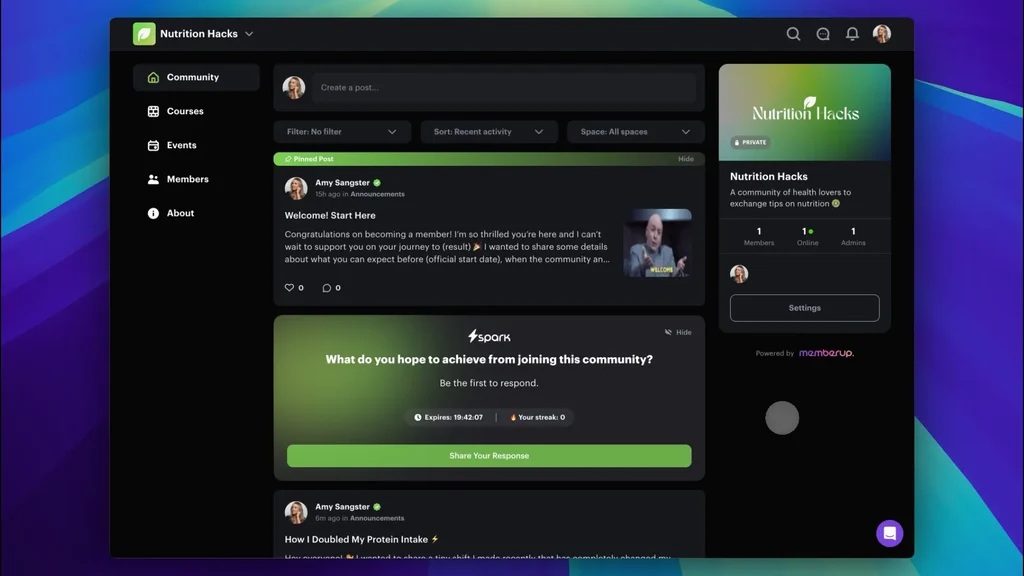


New Feature About To Be Released 👀
@Everyone goal is by the end of the week to release the ability to toggle on and off courses and events in your side menu 🙂



We're listening!
@Everyone as we migrate more communities over to V2, just know we're listening to your feedback and already actioning small changes to improve the experience.
The first of which is a more intuitive way to display spaces, which we're designing some options for us to select from and implement so they're more accessible without having to click into the Spaces dropdown.
We'll be shipping much more regular improvements from here on out so you won't have to wait long to see progress 🙂
Appreciate you!

Update Space Design
@Everyone Based on the feedback we've gotten on the new space design (we're listening!) and have come up with a design that's more easily accesible without needing to click the drop down (attached).
Will be shipping asap!